Example Downloads from our 3D Scanning Service
This page provides sample downloads for in various file formats we offer for our 3D scanning service. Use these examples to check that your software can open the files and that you can work with them as expected.
These files are provided “as-is” without warranty of any kind. See full licence info.
Quick jump to a section
Select the target format to jump directly to that section



Point Cloud
This format is rarely needed by end customers and is included here only for completeness.
A point cloud is the simplest representation of a 3D object, made up of coordinates (X, Y, Z) that define points on the scanned object’s surface. Point clouds are usually used as an intermediate format for creating meshes (i.e. STLs), or for academic research and analysis.
When to use Point Cloud
- Only when the task specifically require it
- With a scripted or automated process
- Deviation analysis (mesh is normally preferred)
Compatible software
Most 3D modelling packages can open point clouds, but functionality varies. Commonly used software packages include: CloudCompare, Meshlab, PolyWorks, Geomagic, ZEISS Inspect
Need point cloud data?
Our 3D scanning service captures precise surface geometry.
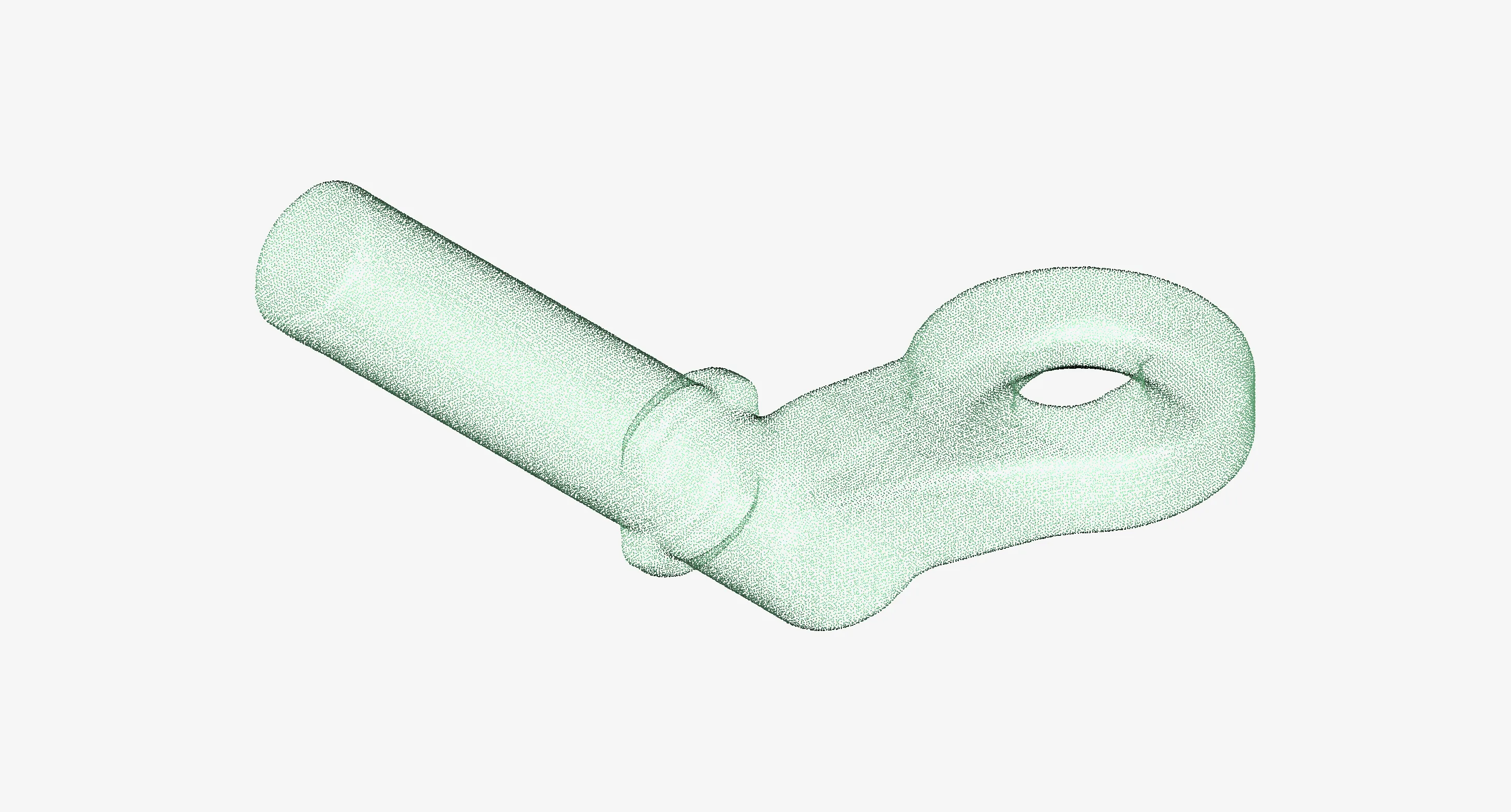
File Specifications
- Extensions: .txt .asc
- File Type: ASCII Text
Mesh Model
Meshes are the standard output from 3D scanning and the primary format used for 3D printing. They are triangulated surface models that can provide true, accurate representations of your physical part.
Watertight vs open
When scan data does not achieve full surface coverage, intentionally or not, the resulting mesh will contain holes and gaps. This is referred to as an open (non-watertight) mesh.
For applications such as additive manufacturing (3D printing), the mesh must be watertight, meaning it forms a fully closed surface with no holes so that a solid volume can be defined.
If a scan produces an open mesh, it can usually be made watertight using post-processing tools.
When to use Mesh Models
- 3D Printing
- Reverse engineering starting point
- Visualisation / preservation (digital twin)
- Inspection / deviation analysis
Compatible software
Most CAD, inspection, and rendering software can open mesh models, though the level of editing and measurement capability varies.
Commonly mesh editors: MeshMixer, Blender, Geomagic
CAD packages with mesh support: Solidworks, Quicksurface, Autodesk Fusion, Inventor
Need a part prepared for 3D printing?
Our 3D Scan for 3D Printing service creates accurate digital models ideal for additive manufacturing.
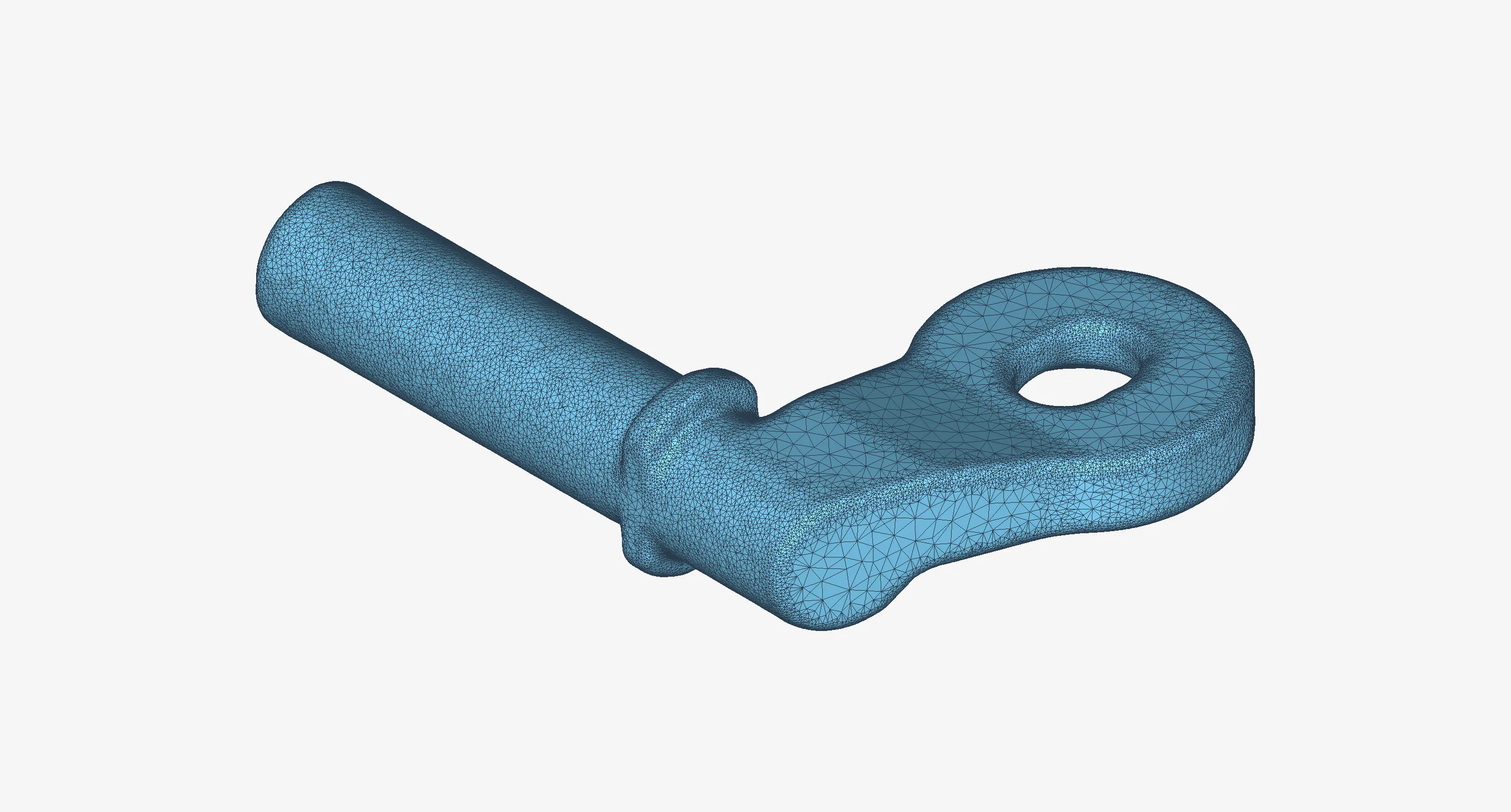
File Specifications
- Extensions: .stl .obj .ply
- File Type: Binary or ASCII
All three files contain identical geometry in different formats.
Surface Model
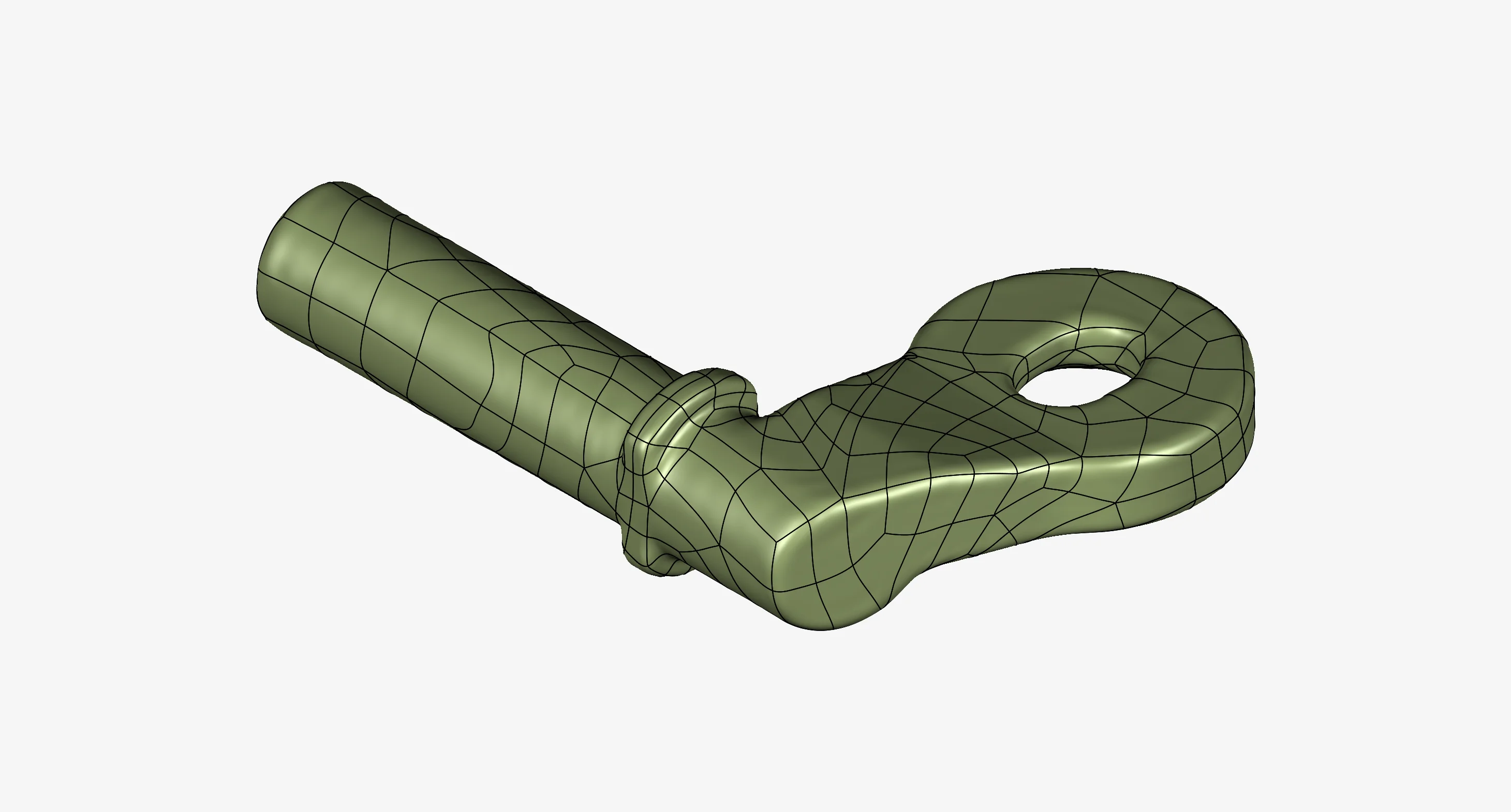
Surface models provide a CAD-ready representation of a scanned object using mathematically defined surfaces, typically NURBS (Non-Uniform Rational B-Splines). They are useful when you need a true CAD surface rather than a triangulated mesh, for example when your software cannot handle meshes, or when you want to create solid models from freeform geometry.
Open vs closed surfaces
Like meshes, surface models can be open or closed. A closed surface model can usually be converted easily into a solid body for further CAD operations.
When to use Surface Models
- Creating solid models of freeform or non-prismatic shapes
- Accurately representing a part as CAD surfaces
- Viewing scan data when a mesh isn’t an option
Compatible Software
Most CAD packages that support STEP models can work with surface models.
Common tools: SolidWorks, Autodesk Fusion, Inventor, Siemens NX, CATIA, Rhino
Need CAD-ready surfaces?
Our Scan to CAD service creates NURBS surface models.
File Specifications
- Extensions: .stp/.step .igs/.iges
- Type: Neutral CAD
Design Intent Solid Model
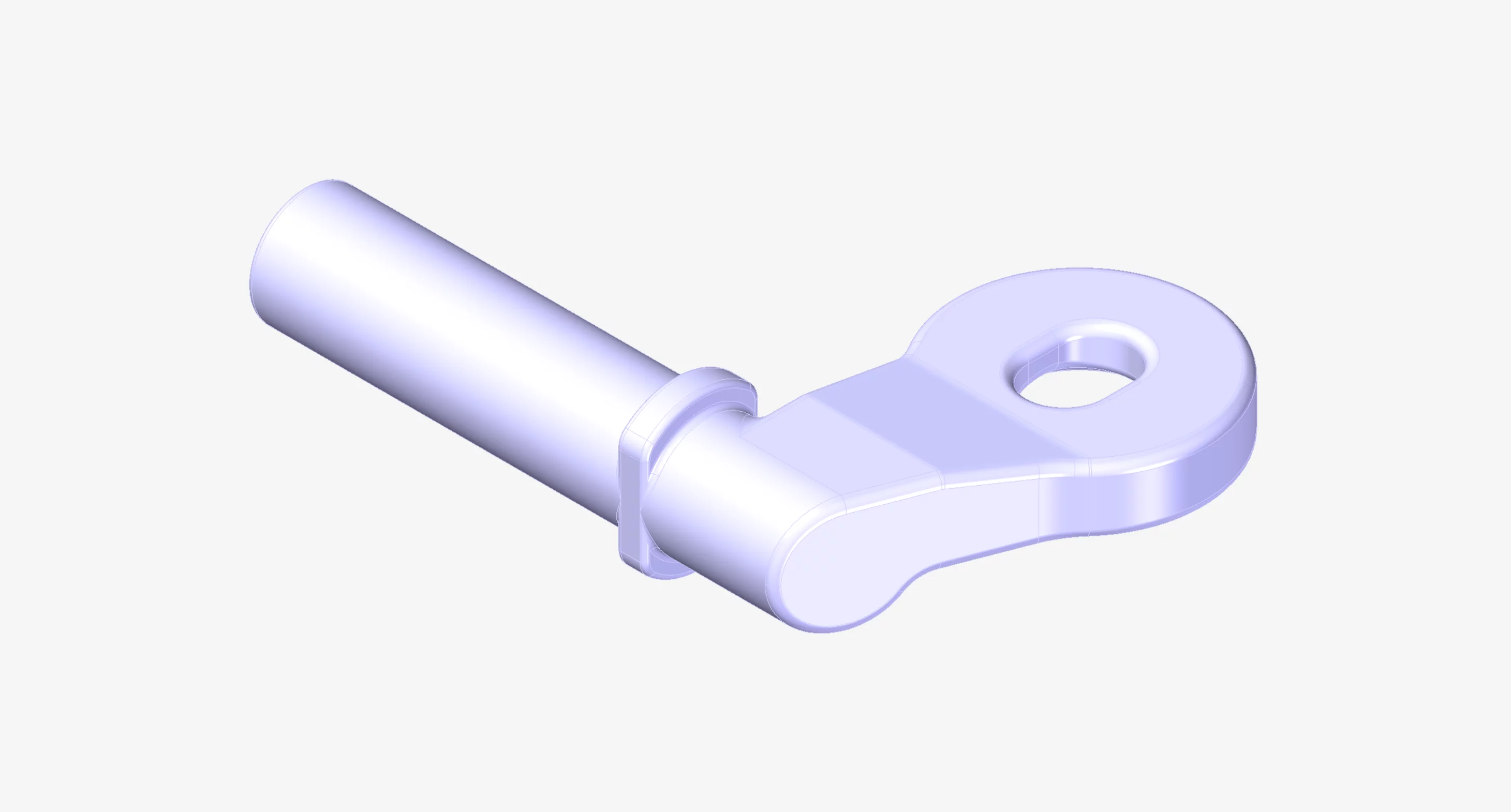
A design-intent solid model is a CAD body, typically created using parametric modelling to capture the part’s intended geometry. These models are ideal for manufacturing or when an easily editable CAD model is required. They can be supplied in either a neutral format, which offers broad compatibility, or a native format, which retains the feature tree and allows full parametric editing.
When to use Design-Intent Models
- CAD to be used in manufacturing
- Redesigning a component
- Engineering analysis or simulation
Format Guidance
- Neutral format (STEP / IGES): widely compatible, suitable for sharing or importing into most CAD systems; retain all geometry but not the feature tree.
- Native formats (SLDPRT / F3D / IPT): preserves the feature tree but can only be opened by the associated software.
Compatible Software
Most 3D CAD packages support most neutral formats, plus their own native format.
Example CAD software: SolidWorks, Autodesk Fusion, Inventor, Siemens NX, CATIA
Need parametric CAD models?
Our reverse engineering service delivers production-ready designs.
File Specifications
- Extensions: .stp/.step .igs/.iges .sldprt .f3d
- Type: Neutral or Native CAD
2D DXF Drawing
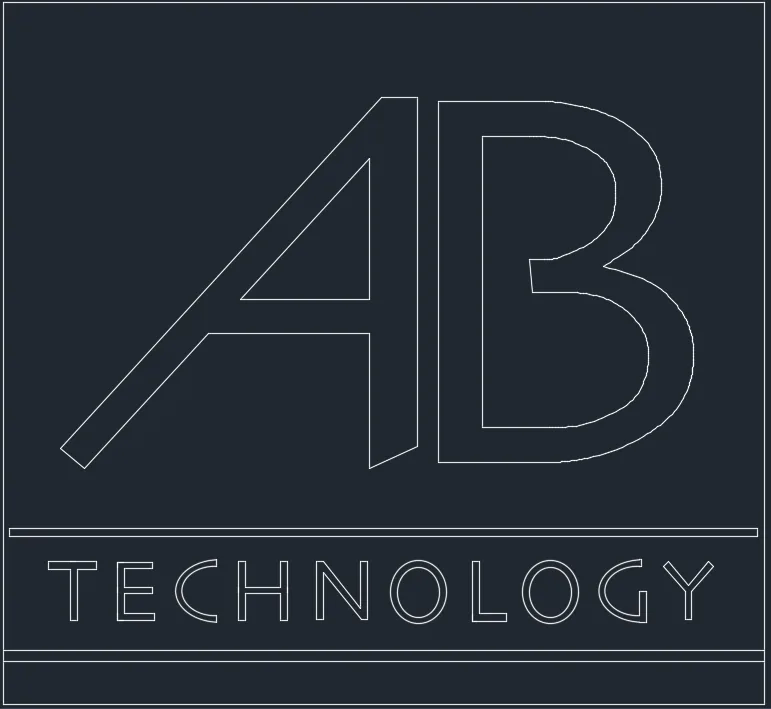
DXF is a widely used file format for 2D CAD drawings. It is ideal for transferring 2D designs between CAD systems or for preparing parts to be cut, engraved, or machined from sheet materials such as metal, wood, or acrylic.
When to use DXF
- Laser cutting, waterjet, or CNC machining of sheet materials
- Creating 2D layouts or templates
Compatible Software
Most CAD software can import and work with DXF files.
Common tools: AutoCAD, SolidWorks, Fusion 360, DraftSight, Rhino, CorelDRAW
Licence and Terms of Use
These files are provided for evaluation and demonstration purposes only.
- Permitted use.
AB Technology grants a non-exclusive licence to download, copy, modify and use these files only for internal evaluation, testing and compatibility checking. - Prohibited use.
You must not:- Publish, redistribute, sell, sublicence or otherwise make the files or any derivatives available to third parties;
- Use the files or derivatives in advertising, marketing, public portfolios, case studies or on public websites;
- Include the files or derivatives in any product or service delivered to a third party.
- Attribution.
All copies and derivative works must be attributed to AB Technology (for example: “Author: AB Technology – https://ab-technology.co.uk”). Attribution does not automatically permit use beyond what is stated above. - Safety & intended use.
These files are demonstration data only. They are not certified for any use beyond what is stated above. - Warranty & liability.
These files are provided “as-is” without warranty of any kind. AB Technology (Newark) Ltd is not liable for any damages arising from the use of these files. - Commercial licences.
For permission to use the files beyond what is permitted by this licence, contact enquiries@ab-technology.co.uk. - Agreement.
By downloading the files you accept and agree to be bound by this licence.
To find our more or request a quote
We are here to help.